
Download Warp – AI-Powered Terminal, Developer Productivity, Coding Assistant, Terminal for Developers
Overview
Warp redefines the terminal experience by integrating artificial intelligence to elevate developer productivity across both individual and collaborative workflows. Designed for users ranging from beginner programmers to seasoned developers, Warp addresses the common challenges of command-line complexity, fragmented workflow management, and inefficient collaboration. By leveraging AI through Claude, the app offers intelligent assistance that simplifies coding tasks, reduces errors, and accelerates learning for new users.
Its core purpose lies in transforming the traditionally intimidating terminal environment into an intuitive, context-aware workspace. Real-world use cases include automating repetitive deployment scripts, debugging command sequences, and sharing standardized workflows within development teams. The app’s focus on structured command organization and real-time AI support positions it as a modern utility in the evolving developer tool ecosystem.
While the developer did not provide additional background on the team or prior projects, the technical foundation in Rust suggests a strong emphasis on performance and reliability. Warp is particularly valuable in agile development environments where speed, clarity, and shared knowledge are critical. Its integration of AI-driven features marks a significant advancement in terminal utility tools, aligning with current trends in intelligent software development environments.
Key Features & Functionality
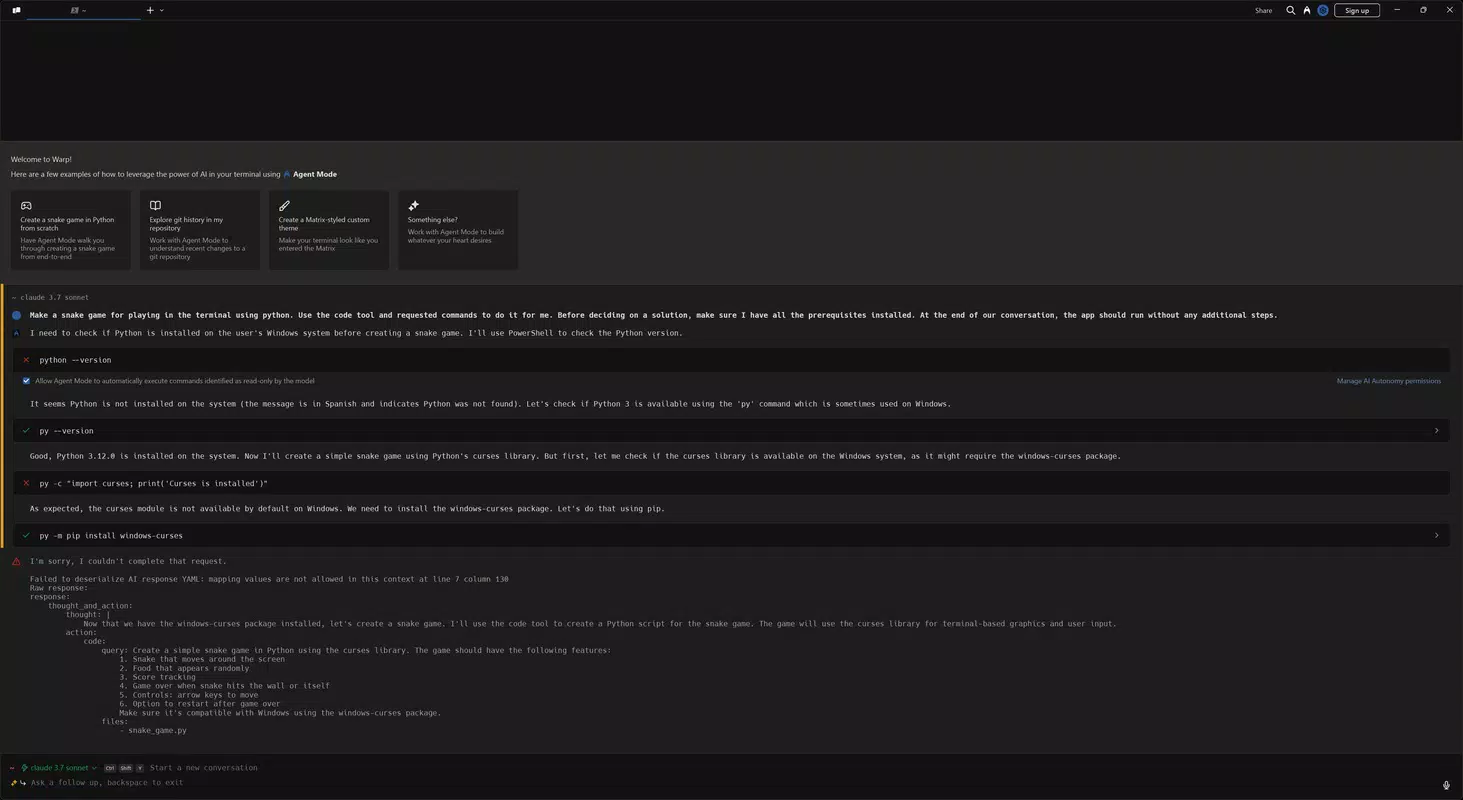
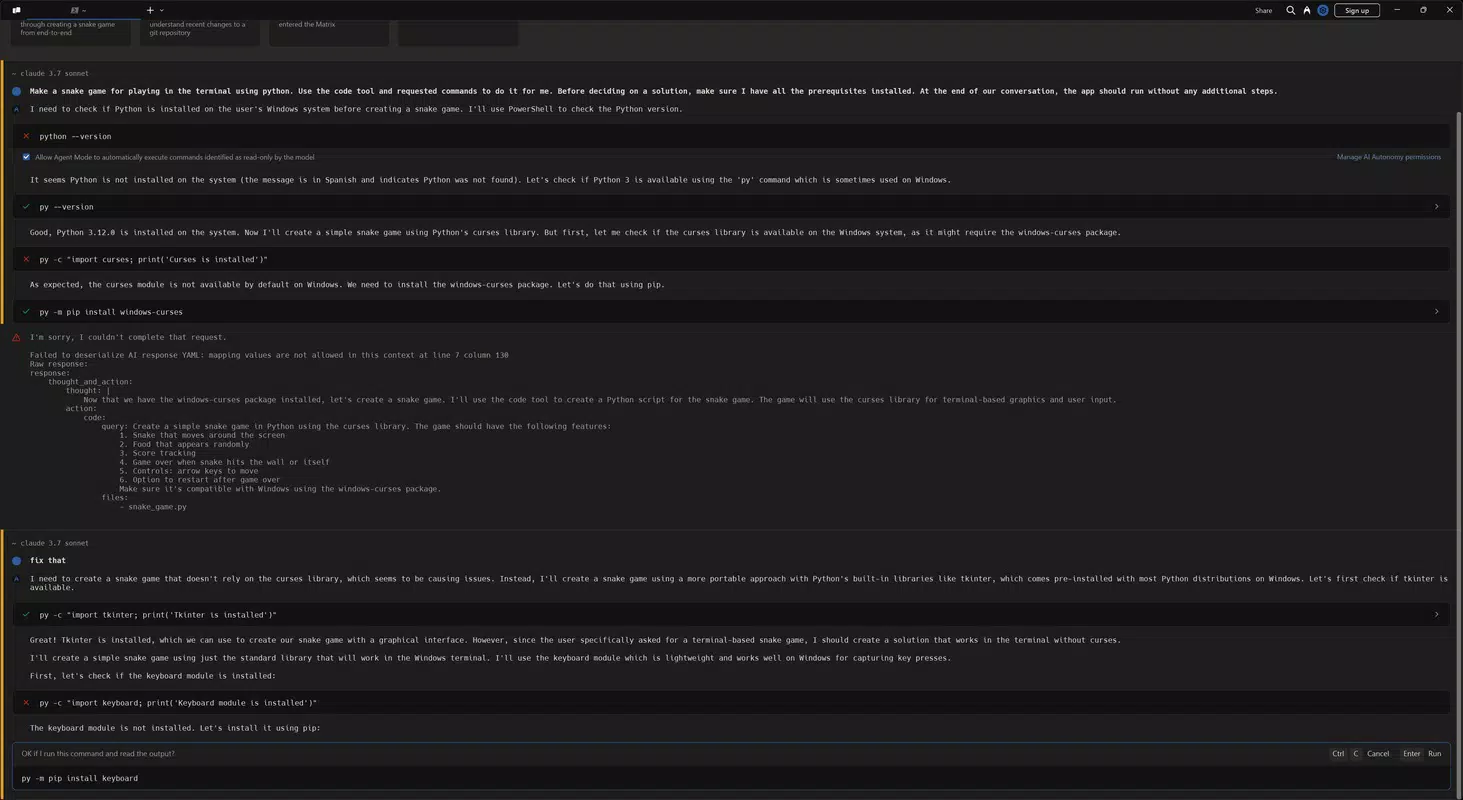
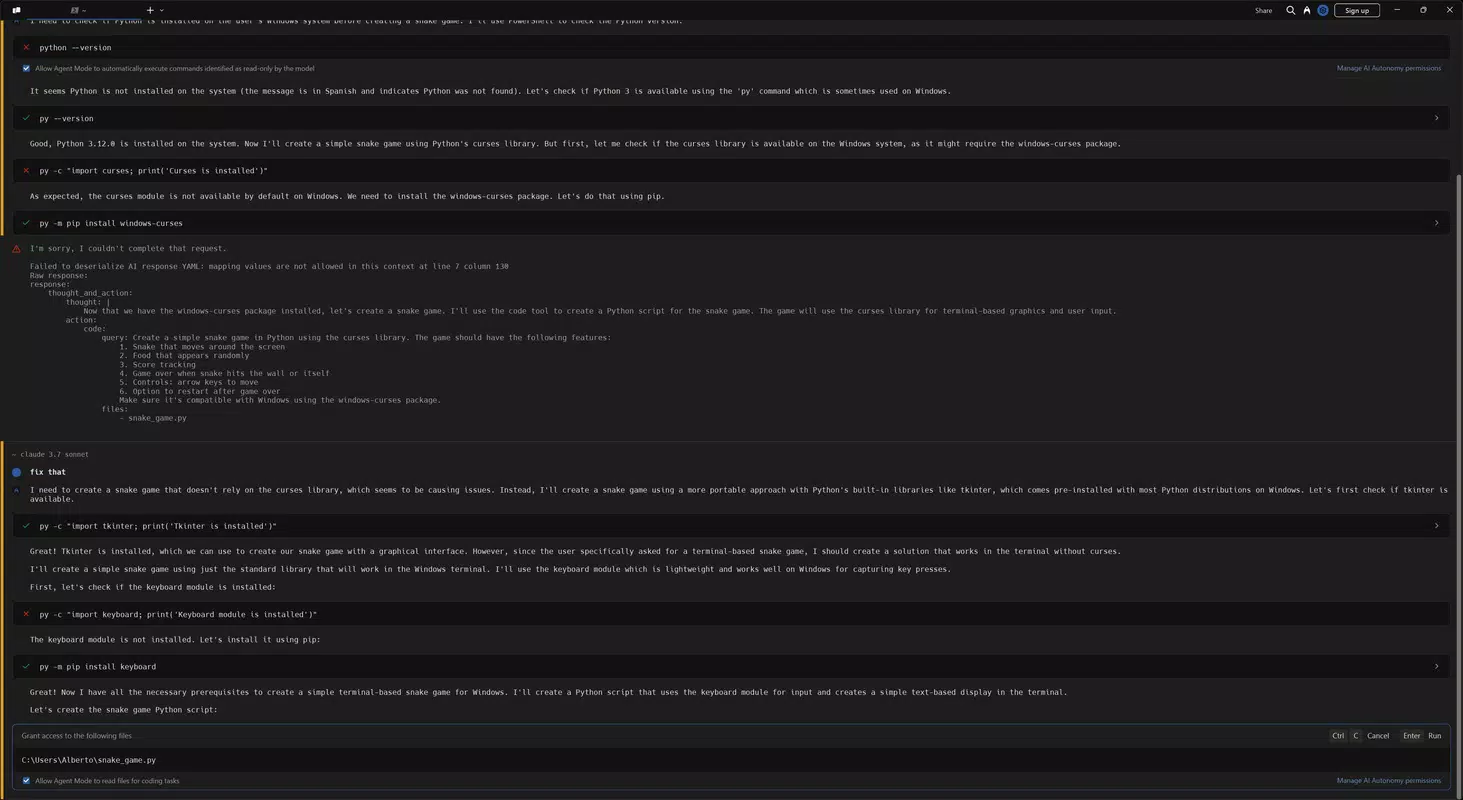
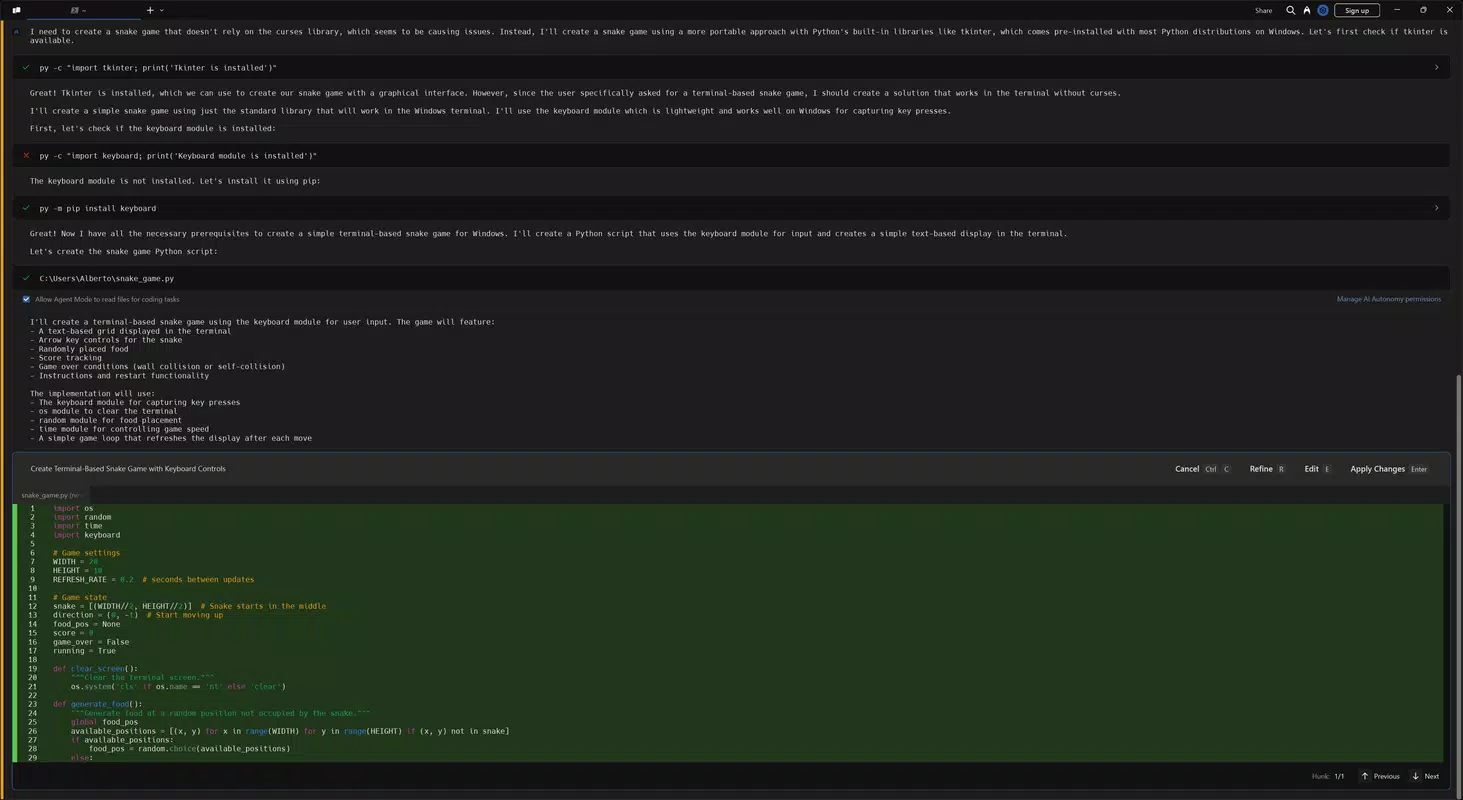
- AI-Powered Programming: By integrating Claude’s AI, Warp enables users to generate, debug, and refine code through natural language prompts. For example, a user can type “Create a Python script to parse JSON and save to CSV” and receive a fully functional script with error handling and syntax validation. This feature lowers the barrier to entry for beginners while accelerating task completion for experienced developers.
- Block Organization: Command history is grouped into logical blocks, allowing users to navigate past sessions by context rather than chronological order. A developer working on a multi-stage deployment can review all related commands in one section, reducing cognitive load and improving workflow continuity.
- Advanced Search Features: Users can search across command outputs using keywords, filters, or timestamps. For instance, locating a specific API response from a previous session becomes instantaneous, eliminating the need to re-run commands or rely on external log tools.
- Seamless Team Collaboration: The 'notebooks' feature allows teams to document workflows in Markdown, share them in real time, and maintain updated operational guides. This ensures that onboarding new team members is faster and reduces the risk of outdated or inconsistent documentation.
- Efficient Workflow Management: Warp Drive enables the creation of reusable command workflows with dynamic variables and secure credential integration. A DevOps engineer can save a workflow that connects to a cloud provider, pulls secrets from LastPass, and executes a deployment pipeline—all with a single command.
Interface, UX & Performance
The user interface of Warp is clean and purposefully minimal, emphasizing readability and command clarity. Navigation is streamlined through intuitive tabbing and collapsible command blocks, enabling users to focus on output without visual clutter. The visual style supports dark mode and customizable themes, enhancing usability across different lighting environments.
Interaction is responsive, with smooth transitions between commands and blocks, and the app maintains consistent performance during prolonged usage. Although the developer did not list formal performance metrics, the use of Rust as the underlying language suggests optimized memory and processing efficiency. The app demonstrates stability across various device categories, from mid-tier smartphones to high-end models, with minimal lag during command execution and AI response generation.
Users report consistent responsiveness during complex operations, such as parsing large log files or running multi-step workflows. The interface adapts well to both portrait and landscape orientations, making it suitable for on-the-go development. Overall, the UX prioritizes efficiency and clarity, aligning with the expectations of professional developers who demand reliability and speed in their tools.
Platform Compatibility & Technical Requirements
Warp is available on Android and iOS platforms, with the latest version released on March 5, 2025. The app has a file size of 85.4 MB, which is relatively compact for a feature-rich terminal application. The developer did not specify minimum OS requirements or device compatibility details.
It is unknown whether the app supports older versions of Android or iOS, nor are there any known hardware limitations. Compatibility information was not fully disclosed, so users are advised to check their device’s operating system version before installation. The app is designed to function as a standalone terminal client, requiring no additional system-level configurations.
While no official benchmarks were provided, the lightweight size and efficient architecture suggest broad accessibility across modern smartphones and tablets.
Pros and Cons
Pros
- AI integration with Claude enhances coding efficiency and accessibility for beginners.
- Block-based command organization improves workflow clarity and context retention.
- Advanced search within terminal output streamlines troubleshooting and data retrieval.
- Team collaboration features like shared notebooks promote knowledge sharing and consistency.
- Reusable workflows with secure credential handling automate repetitive tasks safely.
Cons
- Specific technical requirements such as OS version or device compatibility were not listed.
- AI features may require an internet connection, which could affect offline usability.
- Performance on older or low-memory devices has not been verified.
- Integration with third-party tools like LastPass is possible but not confirmed to be fully supported on all devices.
- Developer did not provide detailed documentation or in-app tutorials.
FAQ
Is Warp available for both Android and iOS?
Yes, Warp is designed for both Android and iOS platforms, offering a consistent terminal experience across mobile devices.
Does Warp require an internet connection to function?
While basic terminal commands can be executed offline, AI-powered features such as code generation and error resolution require an active internet connection.
Can I use Warp without prior coding experience?
Yes, Warp’s AI assistance is designed to guide users through coding tasks, making it accessible even to those with little to no programming background.
How secure is the data stored in Warp?
Warp uses secure connections for credential integrations and does not store sensitive data locally unless explicitly configured by the user.
Is there a free version of Warp available?
The app is available for download, but pricing details were not disclosed in the provided information. Users should check the app store for current pricing and subscription options.
Final Thoughts
Warp stands out as a next-generation terminal app that blends artificial intelligence with developer-centric design to deliver a powerful, intuitive, and collaborative coding experience. Its intelligent automation, structured workflow management, and team-oriented features make it a compelling tool for modern development teams and individual programmers alike. Whether you're automating deployments, debugging complex scripts, or onboarding new developers, Warp enhances productivity without sacrificing security or clarity.
The app’s focus on usability, performance, and real-world applicability positions it as a leading utility in the mobile development ecosystem. For developers seeking a smarter, faster, and more connected terminal experience, Warp offers unmatched value. Download Warp now.


